
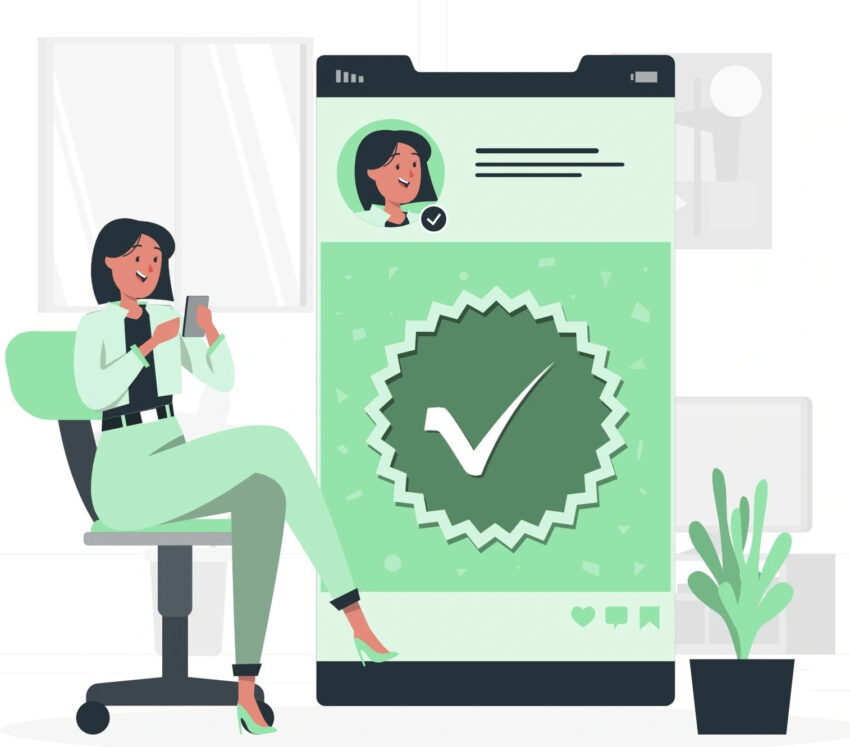
WhatsApp Business Verification is no longer just a trust badge—it has become a growth requirement for brands that want consistent reach, higher response rates, and API stability. Unlike routine explanations, this guide focuses on how the process actually works, what Meta checks behind the scenes, and how to avoid common rejection points.
The verification process starts outside WhatsApp, inside Meta Business Manager. Your business must first be fully verified by Meta, because WhatsApp relies on Meta’s internal trust score rather than documents alone. This means your business name, legal entity details, website, and contact information must match exactly across all assets. Even small mismatches—like abbreviations or different address formats—can delay approval.
Once Meta Business Verification is completed, WhatsApp evaluates brand authenticity and public presence. A strong, content-rich website with clear branding, privacy policy, and terms of service significantly increases approval chances. Meta also checks whether your business is recognizable online. This includes brand mentions, consistent social profiles, and real user engagement. New or low-visibility brands often fail here, even with valid documents.
Next comes WhatsApp Business Account (WABA) quality review. At this stage, Meta analyzes how you plan to use WhatsApp. Businesses promoting spam-like campaigns or misleading offers are flagged instantly. Your message templates must be value-driven, permission-based, and aligned with WhatsApp commerce policies. This is where many businesses get stuck—verification is not just about documents, but about intent and usage behavior.
The Green Tick (Official Business Account) is not automatic after verification. It’s awarded only to brands that demonstrate high trust, consistent messaging quality, and strong brand signals. Businesses using reliable platforms like Bulkly benefit here, as compliant message flows, opt-in management, and API-safe automation improve account reputation over time.
Another non-routine factor is business consistency after approval. Sudden spikes in messaging volume, poor user engagement, or high block rates can lead to verification downgrade or even account suspension. Meta continuously monitors verified accounts, making long-term compliance critical.
In summary, WhatsApp Business Verification is a brand credibility audit, not a simple form submission. Businesses that align branding, website quality, messaging intent, and API compliance see faster approvals and long-term stability. If approached strategically, verification becomes a growth advantage—not a bottleneck.