
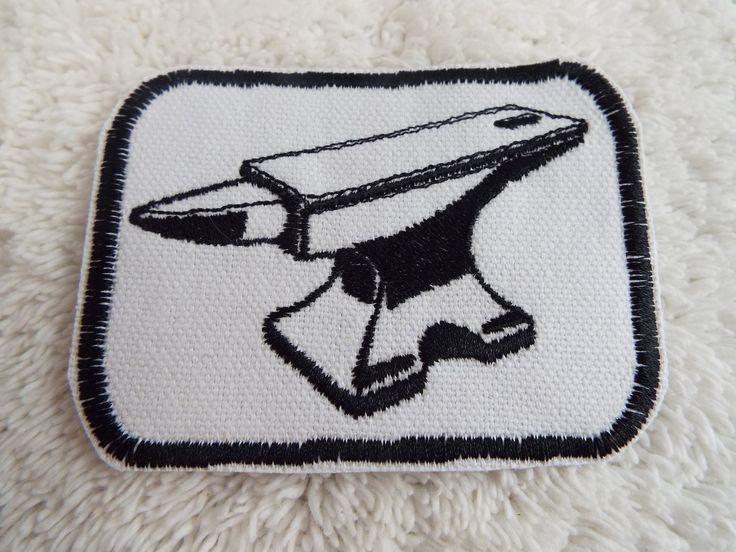
Coming up with a patch design used to mean sketching an idea by hand, hiring a designer, or fumbling through design software you barely know how to use. That barrier has mostly disappeared. A free AI patch generator lets you type a short description — “vintage biker eagle,” “retro camping badge,” “minimalist team logo” — and get back several design directions in seconds, no drawing skills required.
It’s a genuinely useful starting point. But there’s a gap between generating a cool-looking image and ending up with a patch that actually looks that good stitched onto fabric, and that gap is where most people get tripped up.
1. How a Free AI Patch Generator Works
a) Text-to-design generation
AI patch generators use text-to-image models trained to lean into patch-style aesthetics: bold outlines, limited color palettes, and designs that read clearly at small sizes. You describe what you want, and the tool produces a handful of variations based on that prompt.
b) Refining the output
Many platforms let you refine further once you have an initial result — swap colors, adjust the composition, add or remove text — before exporting a final image.
c) Why the tools are appealing
The appeal is obvious: it’s fast, free at least at a basic tier, and removes the “I can’t draw” excuse entirely for anyone who wants a custom design without a design background.
2. Where AI-Generated Designs Run Into Trouble
a) Too much fine detail
Gradients, tiny text, and photorealistic shading look great as an image but turn into a blurry mess once digitized for embroidery.
b) Colors that don’t map to thread
Screen colors and available thread colors aren’t the same palette, so a design can shift noticeably once it’s actually produced.
c) No sense of scale
An AI doesn’t know your patch will be three inches wide, so intricate details that look fine on a big screen may vanish entirely at real-world size.
None of this means the tool failed — it just wasn’t built to think about manufacturing constraints. That part comes next.
3. Turning the AI Output Into a Real Patch
a) Export at high resolution
A low-resolution image will only get blurrier once it’s digitized, so always export the largest file size the generator allows.
b) Simplify where needed
A good manufacturer can flag areas that are too detailed for the patch size or method you want, whether that’s embroidered, woven, PVC, or printed.
c) Pick the right patch type for the design
A design with fine gradients suits a printed or PVC patch far better than embroidery, which works best with clean, bold shapes and limited color transitions.
d) Get a real proof before production
A proof made by an actual production artist, not just your original AI image pasted onto a patch template, is what confirms the design will translate correctly.
This is really the difference between a design and a finished product: the generator gets you the idea, but a real proofing process is what makes sure the idea survives contact with actual materials.
4. Choosing How the Finished Design Gets Applied
a) Matching the design to its surface
How you plan to apply the patch changes what you should ask for. A design meant for a jacket or hoodie needs a different backing than one meant for a laptop or water bottle.
b) Durability expectations differ by method
The material, adhesive method, and durability expectations aren’t the same across application types, so it helps to know the differences before finalizing anything.
c) Where to learn more
If you’re not sure which route fits your project, it’s worth reading through a breakdown of how iron-on patches and sticker patches actually differ in application, durability, and best use cases before deciding how to finish your AI-generated design.
Conclusion
A free AI patch generator is a great way to skip past the blank page and land on a design direction fast. Just don’t treat the first generated image as the finished product — resolution, color accuracy, and material choice still need a human eye before it goes into production. Get that part right, and you’ll end up with Custom Patches that actually look like the design you imagined, not a rough approximation of it.