

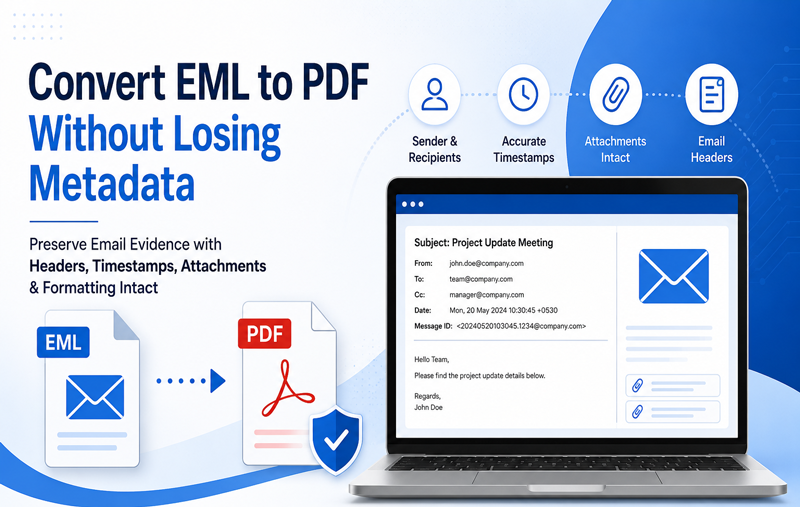
Are you having lots of EML files and want solution for how to save .eml file as PDF? Then this article is exact for you to overcome from all migration issues of EML files to PDF documents. This article has two methods which are helpful in different conditions so read it till the end and grab opportunity to save multiple .eml files as PDF.
EML is the single mail format of multiple mail apps – Windows Live Mail, Windows Mail, eM Client, Turnpike, DreamMail, etc. while PDF is the document file format of Adobe Reader. Today, PDF demand is very high and using almost users to represent documents. PDF is a widely recognized document format that works across different devices and operating systems. Users can view PDF documents with free applications such as Adobe Acrobat Reader. PDF file are using on every place – hospitals, colleges, courts, offices, schools, etc. So there may probability that EML files users have requirement to save EML files into PDF Adobe documents.
How to Save .eml file as PDF Manually
EML and PDF use different file structures, so converting between them requires a suitable method. One option is to use an email application’s printing feature to save EML messages as PDF documents. If you are interested to know how to save .eml file as PDF manually then follow the given steps –
- Firstly, collect all .eml files at a place.
- Install & configure Thunderbird in your system.
- Then add ImportExport Tools add-ons in it.
- In Thunderbird, create a separate folder and assign it a name of your choice.
- After that select all EML files which need to save in PDF.
- Then drag them & drop into the newly created folder of Mozilla Thunderbird.
- Now select some messages or mailbox which you want to save in Thunderbird.
- Right click on it and choose ImportExport Tools option.
- Then select the save selected messages option.
- Click on Save as PDF option.
- Choose location for saving PDF file. Click on Ok button.
- A confirmation message will show there. Click on OK button.
Limitations of the Manual Method
The manual method is not a safe & secure method. It is suitable only for few mails migration to PDF. It doesn’t save EML files to PDF Adobe with attachments. It may waste your time from installing, configuring Thunderbird and Adding ImportExport Tools add-ons. If you missed any step then your data may lose. It is not simple so home users cannot handle it easily.
How to Save EML files as PDF Alternatively
If you have large EML files backup for saving in PDF and don’t want to take any risk then you can go with MacMister EML to PDF Converter for Mac that has all advanced benefits which provides simple, perfect, & safe conversion outcome. The software supports bulk conversion, allowing users to export multiple EML messages to PDF format in one process. It is a reliable method to save EML files of all supported mail apps – Windows Live Mail, eM Client, Windows Mail, DreamMail, etc. into PDF. It has multiple filters options to find mails by date, specific mailbox, subject, attachments, etc options.
Download the Mac EML Converter to know how to save .eml file as PDF and for that you can also save 25 EML files as PDF at free of cost. Using its free demo edition, you can know how to save .eml file as PDF without any cost. Now you can clear your doubts and confusions by any explained solutions.